

Files
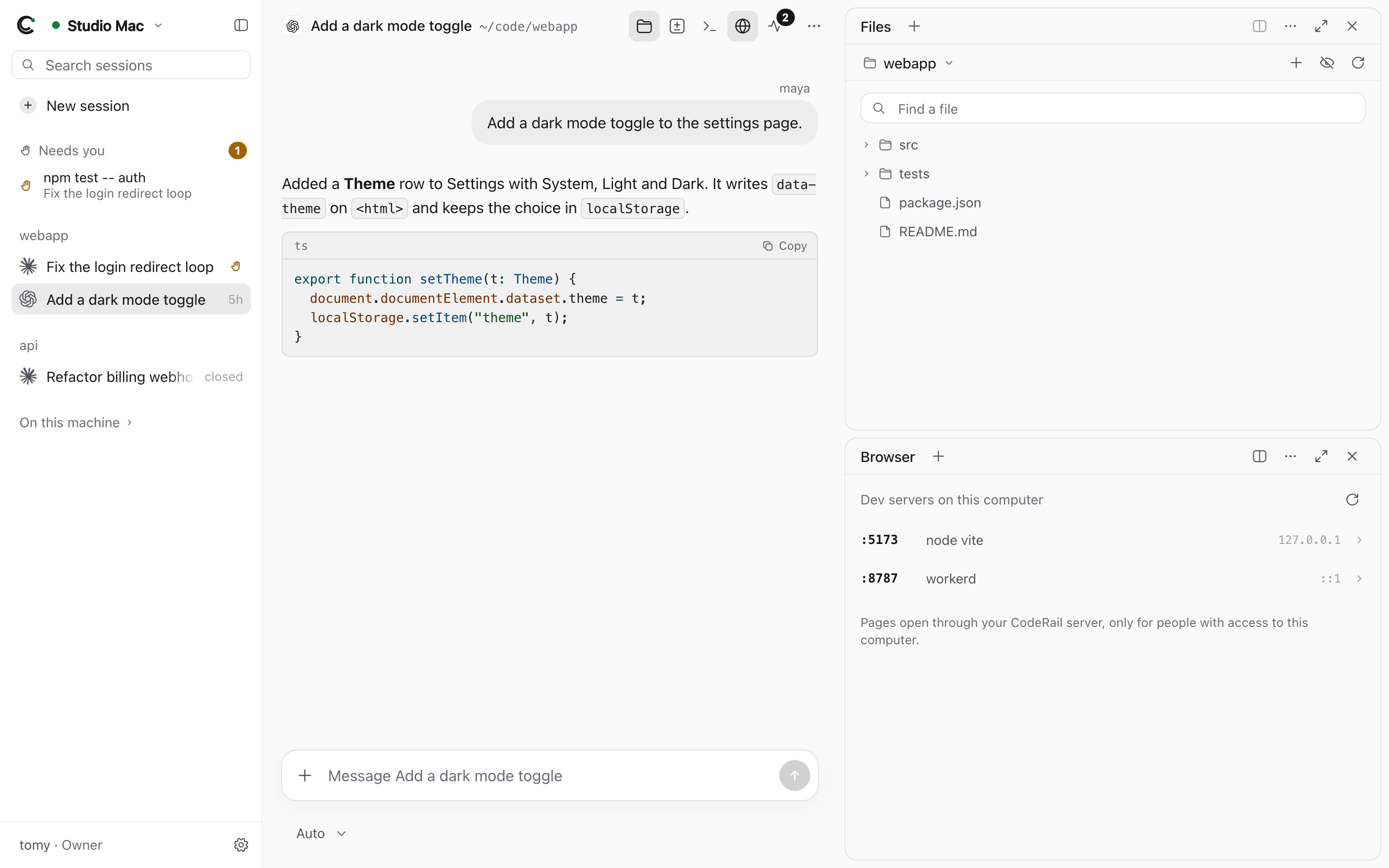
The Files pane shows the computer's folders and files: the session's folder by default, or any folder you're allowed into.
What you can do
- Browse folders; show or hide hidden files; find a file by name.
- Open a file to read it (text files up to about 700 KB; larger ones are cut off).
- Edit and save it (Operators and Owners).
- New file, new folder, rename.
- Move to Trash: files go to the computer's trash (
~/.Trashon macOS,~/.local/share/Trashon Linux), never deleted outright.
Limits
People limited to certain folders see only those, and the computer checks every path against them again, following symlinks to where they really point. CodeRail's own folder (~/.coderail, which holds the computer's token) is never reachable through Files.