

On your phone
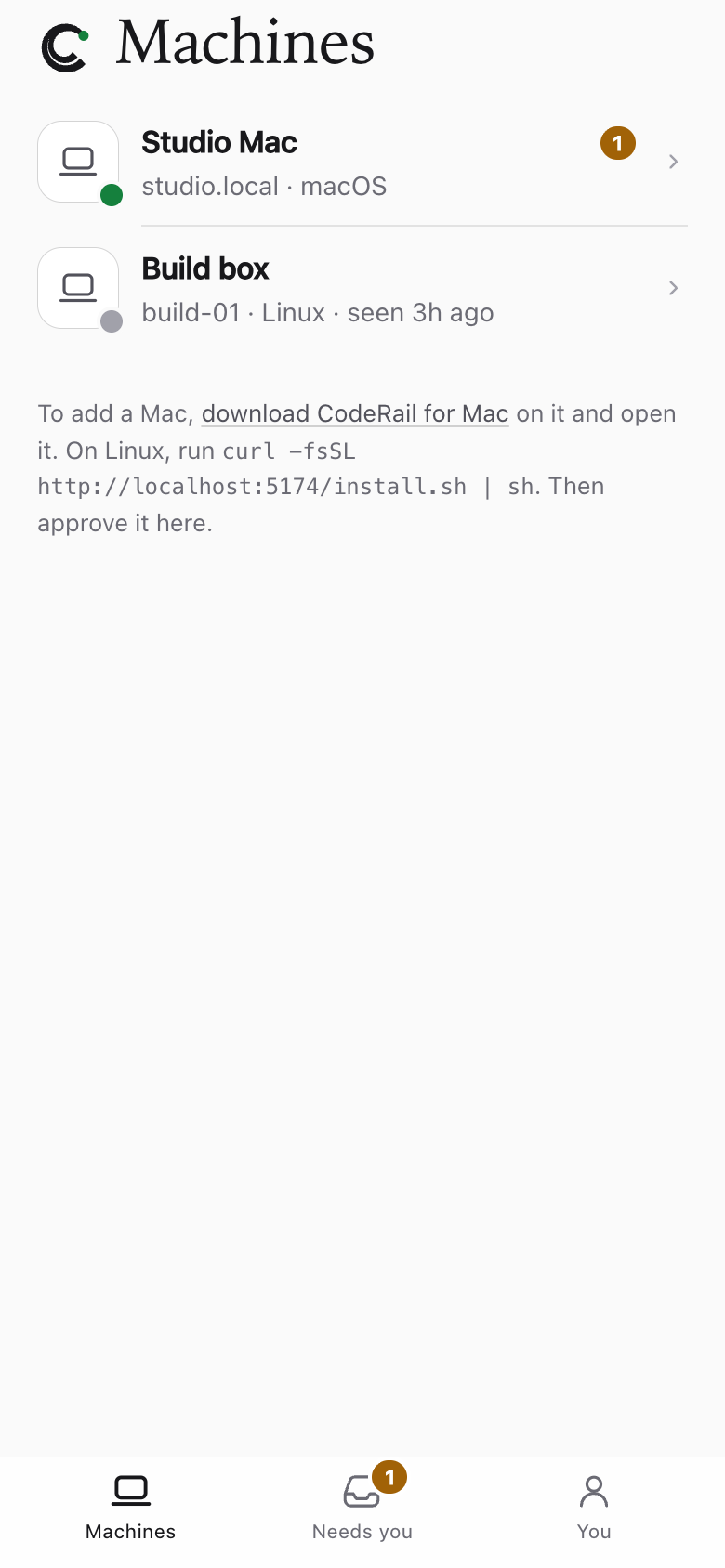
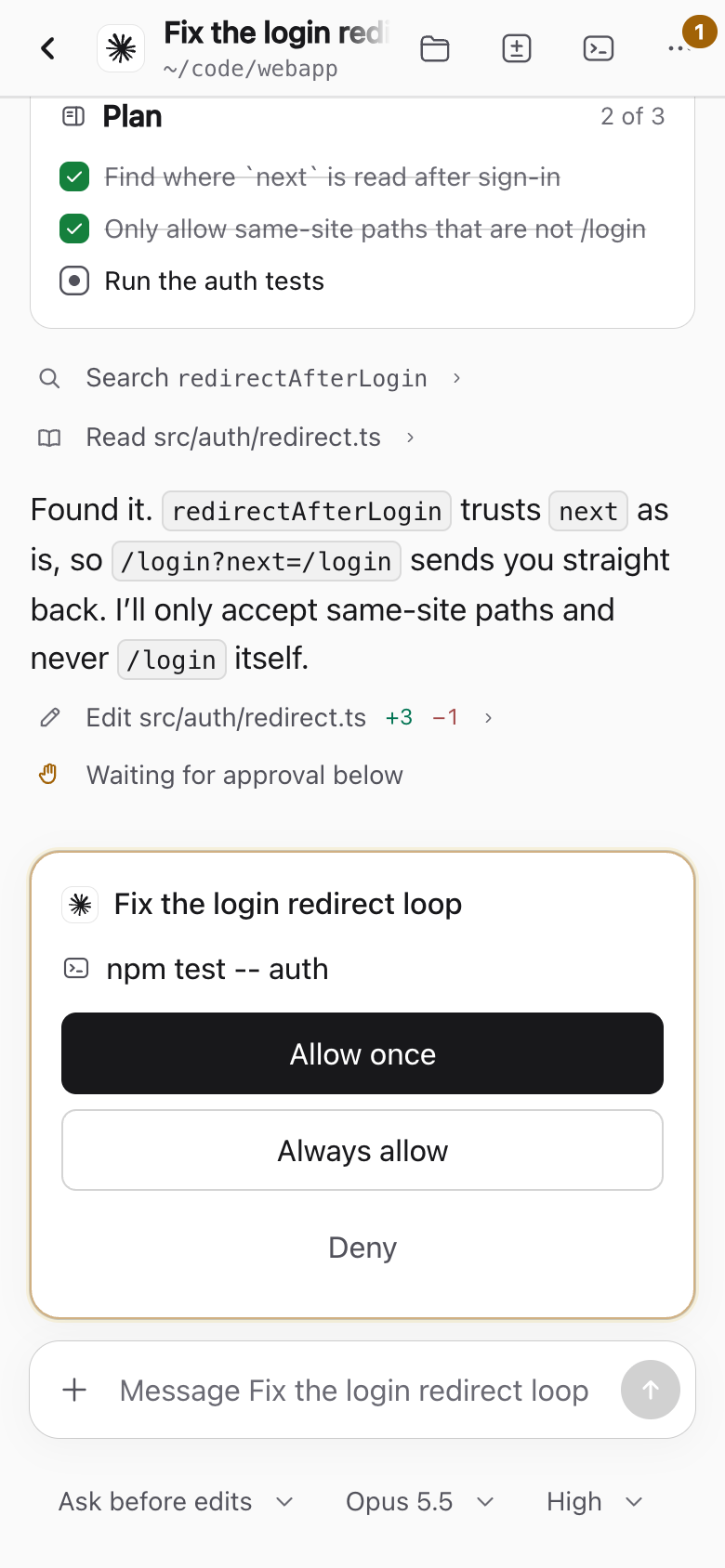
CodeRail's web app has a layout made for phones: your computers, what needs you, and full sessions with approvals.
Install it
Open your site in your phone's browser and add it to the home screen:
- iPhone (Safari): Share → Add to Home Screen.
- Android (Chrome): menu → Install app.
It opens full screen like an app.
Notifications
Get a notification when an agent asks for approval, and tap it to answer:
- Open CodeRail from the home screen (on iPhone, notifications work only in the installed app).
- Go to You → Settings → Notifications and turn them on.
Each device you turn them on is notified. A request goes to the computer's Owners, admins, and Operators allowed in that folder with that agent.
Notifications need your server's push keys; see Configuration.